“`html
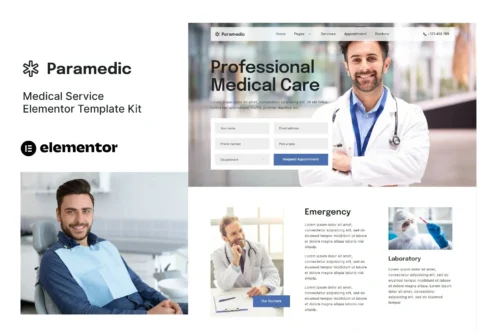
Paramedic Elementor Template Kit
Build Professional Medical Websites, Faster
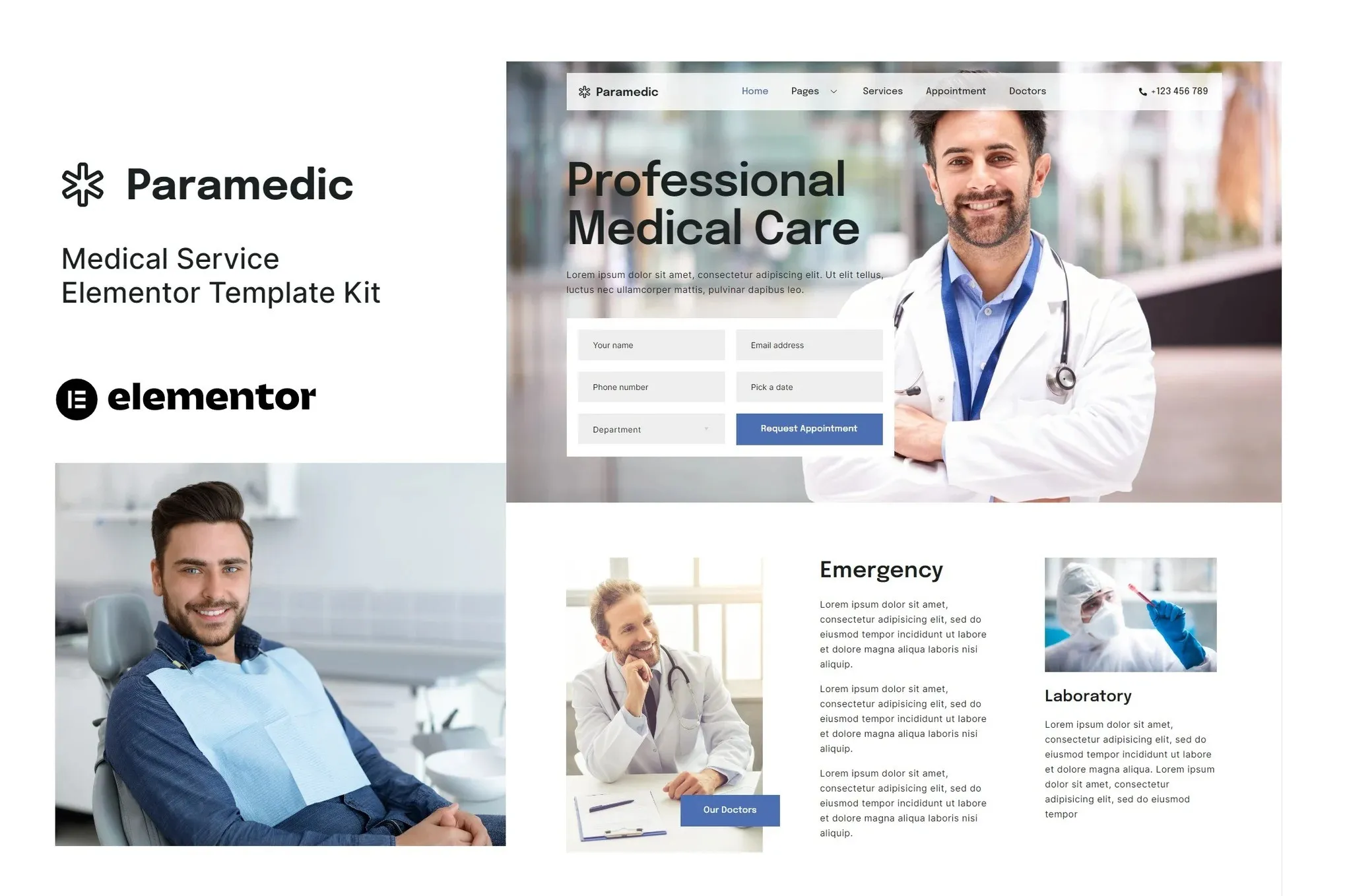
Creating a functional and attractive website for a medical practice, clinic, or individual healthcare professional can be a time-consuming process. You need a site that looks professional, instills confidence in patients, and clearly communicates essential information like services, doctor profiles, and appointment booking. The Paramedic Elementor Template Kit is designed to remove the usual development hurdles, giving you a strong foundation to build exactly that. It focuses on providing a clean, modern aesthetic that’s essential for the medical field, ensuring your website reflects the care and reliability your patients expect.
Key Features That Save You Time
This kit is built with practicality in mind, offering features that directly translate into efficiency for your workflow:
12+ Professionally Designed Templates
You get over a dozen pre-built pages ready for immediate use. This includes essential sections like Home, About Us, Services, Doctors, Contact, and FAQ. Beyond these core pages, you’ll find templates for specific functionalities like Metform appointment forms, news articles, and single service displays, along with Header and Footer layouts. This extensive collection means you’re not starting from scratch, significantly reducing design and layout time.
Elementor Free Compatible
A major advantage of the Paramedic kit is its compatibility with the free version of Elementor. This means you can leverage its full power without needing to purchase expensive Elementor Pro or other add-ons for basic functionality. This makes it an accessible and cost-effective solution for a wide range of users.
Fully Responsive and Customizable
Every template in this kit is built to look great and function perfectly on any device, from desktops to tablets and smartphones. The modern typographic design ensures readability, and the entire kit is designed for easy customization. You can adjust colors, fonts, and layouts to match your specific branding and needs without complex coding.
Ideal for Various Medical Professionals
The Paramedic Elementor Template Kit is an excellent choice for a broad spectrum of medical businesses and individuals. If you’re a doctor, dentist, chiropractor, therapist, or managing a small clinic or hospital, this kit provides the necessary structure. It’s particularly useful for those who need to quickly establish an online presence, showcase their team, list their services clearly, and facilitate appointment bookings. The included Metform forms are a practical addition for streamlining patient inquiries and appointment requests.
Effortless Implementation and Maintenance
Getting started is straightforward. Once imported into Elementor, you can begin customizing the pages immediately. The kit is optimized for the Hello Elementor theme, ensuring good performance and a clean base. Because it relies on widely used and well-supported plugins like Elementor and ElementsKit Lite, you’ll find ongoing maintenance and updates to be manageable. The focus on core Elementor functionality means fewer potential conflicts and a more stable website.
Download from Plugintheme at an affordable price.
“`











 Mobile Apps
 php script
 How to