“`html
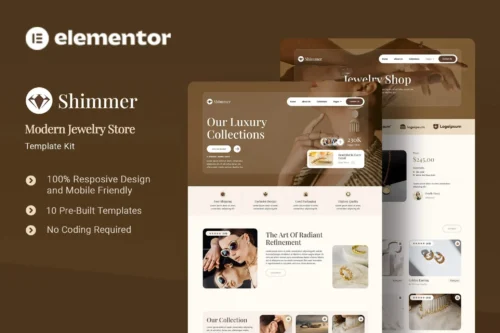
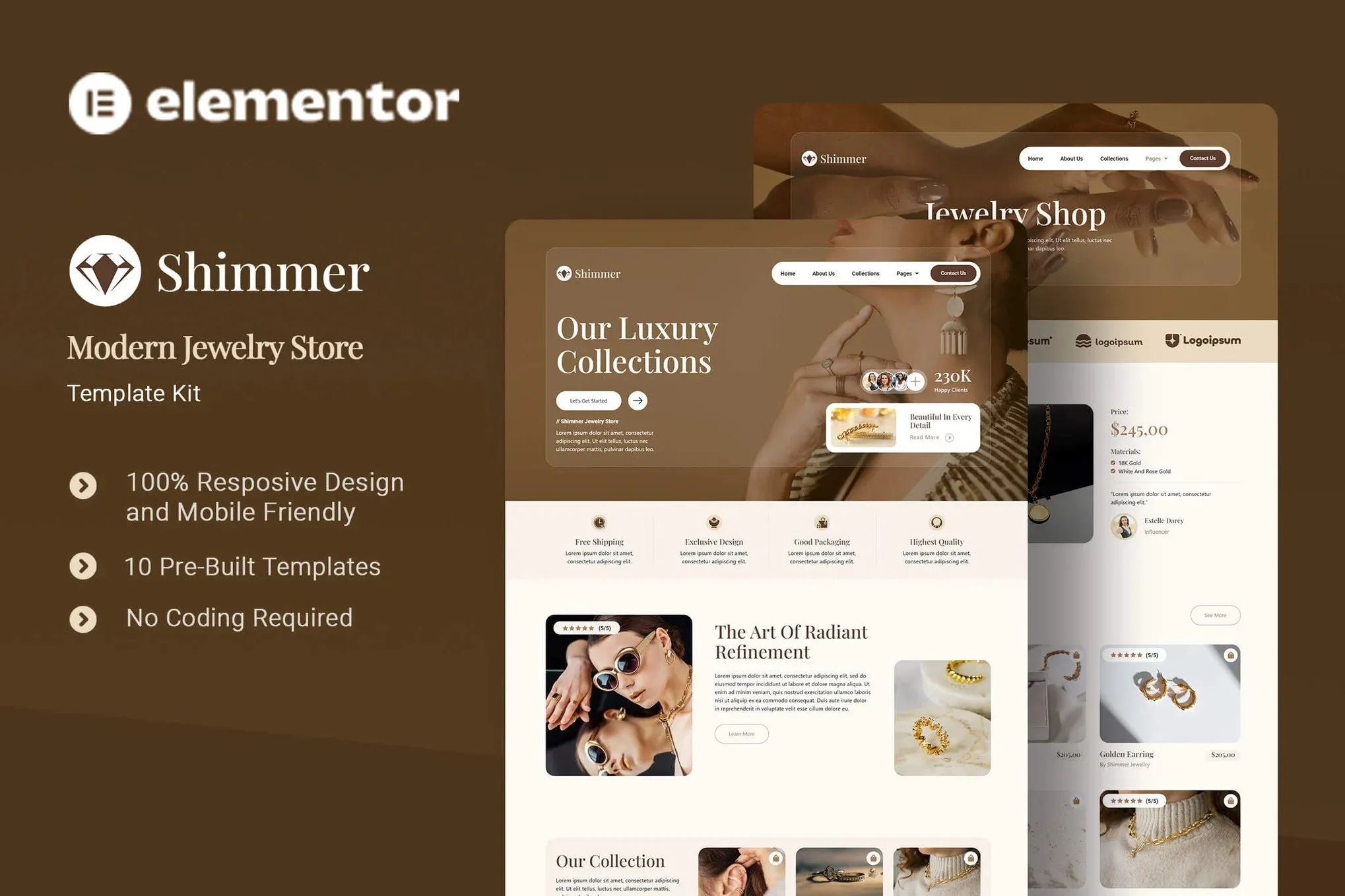
Shimmer: Elementor Template Kit for Jewelry Shops
Building a professional online store for jewelry can be a time-consuming process, especially when you need to balance a high-end aesthetic with robust e-commerce functionality. Many template kits offer generic designs that don’t quite capture the unique elegance required for selling fine jewelry. Shimmer addresses this by providing a specialized Elementor Template Kit designed specifically for jewelry web shops, ensuring your products are presented with the sophistication they deserve, right from the start.
Key Features for a Polished Jewelry Store
Shimmer comes packed with essential templates to get your jewelry business online effectively. The kit includes pages like a clean Home page to make a strong first impression, an informative About Us section to build trust, and dedicated Collection and Shop pages designed to showcase your jewelry with clarity and style. Additionally, you’ll find templates for Our Team to add a personal touch, Testimonials to highlight customer satisfaction, a helpful FAQ section, a standard Blog for content marketing, and a professional Error 404 page. The design system is fully compatible and utilizes professionally selected imagery, giving you a head-start on creating a cohesive, branded online presence without the struggle of sourcing high-quality visuals yourself.
Versatile E-commerce Capabilities
This kit is optimized for use with the free Hello Elementor theme, ensuring a lightweight and fast-loading experience for your visitors. It’s also built with headless e-commerce principles in mind, meaning you have the flexibility to integrate it with your preferred shopping cart plugin or e-commerce platform. This approach allows for a more customized and controlled shopping experience, whether you’re using WooCommerce, Shopify, or another solution. The responsive design means your store will look great and function perfectly on any device, from desktops to smartphones, ensuring you don’t miss potential sales due to display issues.
Ideal For Jewelry Retailers and Designers
Shimmer is an excellent choice for jewelry designers, boutique jewelry stores, online retailers, and agencies looking to quickly build a sophisticated e-commerce website. If you’re launching a new jewelry brand or looking to refresh an existing online presence with a professional and elegant design, this kit can save you significant development time. It’s particularly useful for those who prioritize a clean, modern aesthetic and need a reliable foundation for selling high-value items online. The included fonts, Playfair Display and Roboto, provide a classic yet readable typographic pairing that complements the jewelry showcase.
Streamlined Setup and Customization
Getting your jewelry store up and running with Shimmer is straightforward. The template kit is designed for easy import and integration with Elementor. You can quickly customize layouts, colors, and content to match your brand identity. The inclusion of essential plugins like ElementsKit Lite, Premium Addons for Elementor, and The Plus Addons for Elementor provides you with a robust set of tools to further enhance your website’s functionality and design without needing to source multiple third-party solutions. This focus on ease of use means you can launch your professional jewelry shop faster.
Download from Plugintheme at an affordable price to start building your elegant jewelry web shop today.
“`










 Mobile Apps
 php script
 How to