
Alous – Beauty & Skin Care Ecommerce Elementor Pro Template Kit
- Updated on May 3, 2026
- 100% Original Product & Well Documented
- Unlimited Domain Usage
*Important Note:
The image should not be Part of the template kit. You need to use your own reliable Source.


Original price was: ₹999.00.₹299.00Current price is: ₹299.00.
Launch your beauty or skincare store in hours, not weeks. 17+ pre-built pages designed for high-end cosmetics brands — swap in your products and go live with Elementor Pro.
- Secured & Scanned by Virus total & McAfee.
- Access to Free updates for Lifetime
- All products are Under GPL License (Unlimited Domain Usage)
- We Not Provide any Support For this Product

Lifetime Membership
Access 6700+ Premium WordPress Themes & Plugins, Elementor Templates, Mobile Apps, PHP scripts with Lifetime Updates.
Join Premium MembershipRecently Viewed
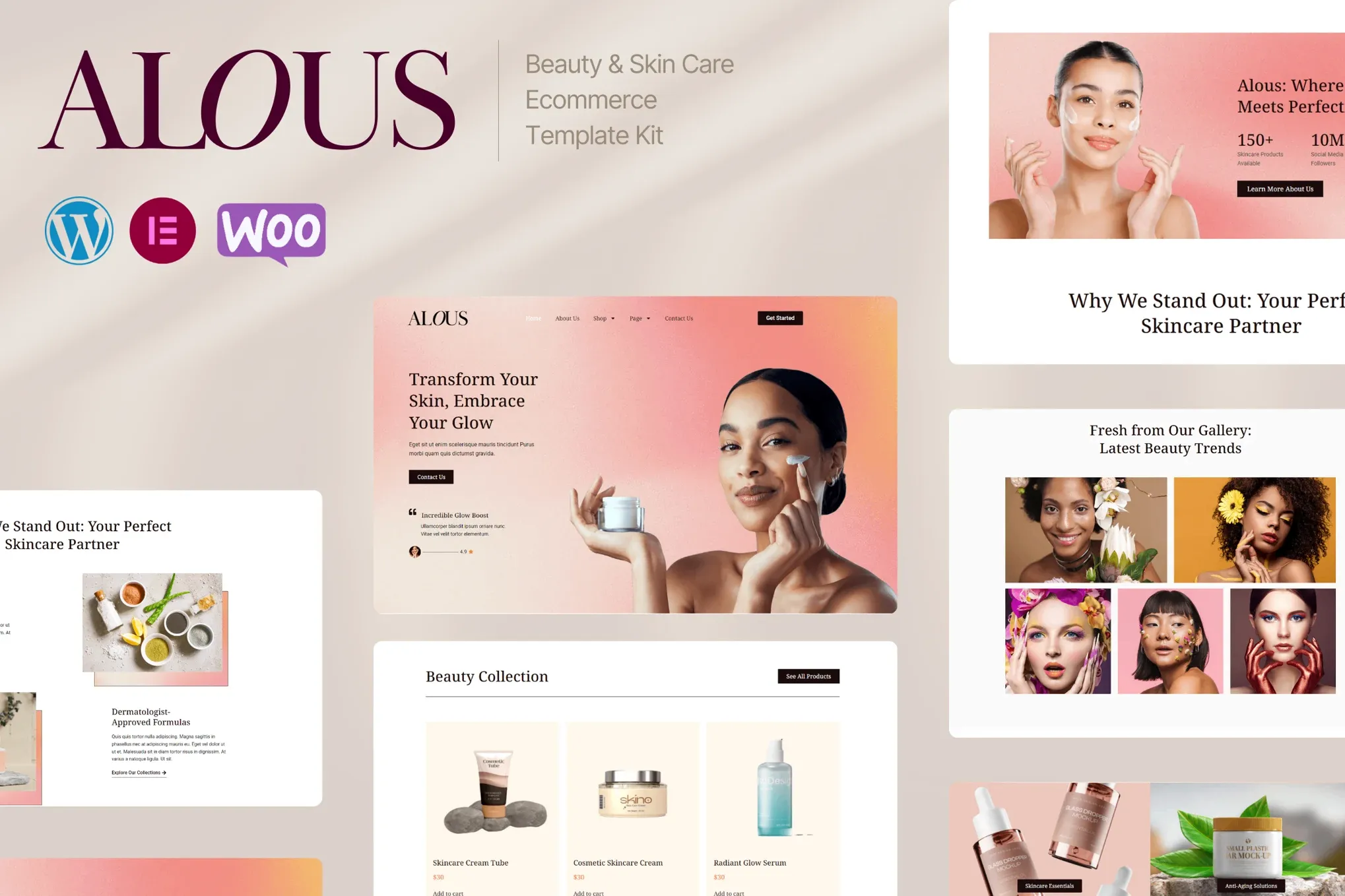
Beauty & Skin Care Ecommerce Template Kit for Elementor Pro
Alous gets beauty brands to launch day faster. Instead of building every page from scratch, you get a complete design system with 17+ professionally designed pages ready to use. The aesthetic? Think soft gradients, elegant typography, and generous white space that lets your products take center stage. Works whether you’re starting fresh or giving an existing store a facelift.
What You Get With Alous
This isn’t just headers and footers. Alous covers your full customer journey from first click to completed purchase.
- Homepage with hero slider, featured collections, and testimonial sections that build trust instantly
- Product archive and single product pages built to convert browsers into buyers
- Cart, checkout, and account pages for a complete shopping experience
- Blog templates that let you share beauty tips and content marketing
- Contact, about, and team pages for your brand story
Who Should Buy This Template Kit
Alous fits skincare brands, cosmetics shops, beauty salons, and wellness businesses. If your audience appreciates clean design and you’re running WordPress with Elementor Pro and WooCommerce, you’ll be up and running quickly. Freelancers building client sites will appreciate the commercial license — use it on unlimited projects.
How To Use Alous
Install through Elementor’s template library. No code required. Replace placeholder images with your product photos, tweak colors to match your brand, and hit publish. The responsive layouts adapt to mobile phones, tablets, and desktops automatically. Some Elementor experience helps for deeper changes, but it’s not necessary to get started.
Why Choose Alous Over Starting Fresh
Getting typography, spacing, and color relationships right — that’s days of work even for skilled designers. Alous gives you a polished foundation. Pay once, get the full kit, lifetime updates, and support when questions come up. No subscriptions. No surprises.
- One-time payment with lifetime access
- Commercial license covers client work too
- Updates as Elementor releases new features
- Support team available when you need help
Ready to Launch Your Beauty Store?
Stop tweaking and start selling. Alous downloads immediately after purchase. Open it in Elementor, drop in your branding, and push live. Your customers expect a polished experience — now you can deliver it without paying a design agency.
Only logged in customers who have purchased this product may leave a review.
How to use Kit:
Install and activate the “Template Kit – Import” plugin from Plugins > Add New in WordPress.
Do not unzip.
Go to Template Kit – Import > Upload Template Kit Zip File button.
Before importing a template, ensure the Install Requirements button is clicked to activate required plugins.
For best results, do not import more than one template at a time.
RELATED PRODUCTS

DIVI – Original License | One Time Payment – Exclusive Deal

Elementor Pro 4.2.1 + Elementorism Landing Pages WordPress Plugin

907 5.3.6 – Responsive Multi-Purpose WordPress Theme

Element Pack Pro 9.1.0 – Addon For Elementor






 Mobile Apps
 php script
 How to
Reviews
There are no reviews yet