
Alleora – Wedding Organizer Elementor Template Kit
- Updated on September 20, 2025
- 100% Original Product & Well Documented
- Unlimited Domain Usage
*Important Note:
The image should not be Part of the template kit. You need to use your own reliable Source.


Original price was: ₹999.00.₹299.00Current price is: ₹299.00.
- Secured & Scanned by Virus total & McAfee.
- Access to Free updates for Lifetime
- All products are Under GPL License (Unlimited Domain Usage)
- We Not Provide any Support For this Product

Lifetime Membership
Access 6700+ Premium WordPress Themes & Plugins, Elementor Templates, Mobile Apps, PHP scripts with Lifetime Updates.
Join Premium MembershipRecently Viewed
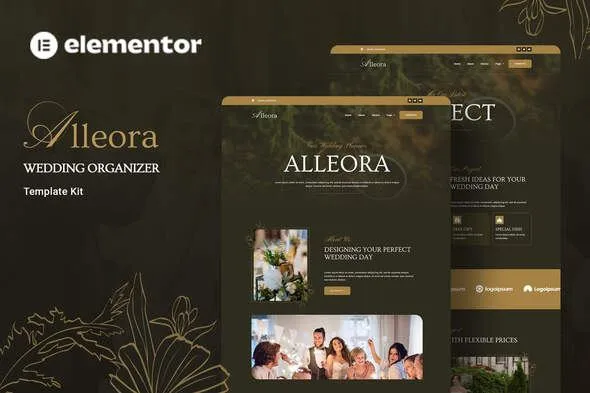
Alleora: Elementor Template Kit for Elegant Wedding and Event Presentations
Building a website for a wedding or event planning business often means wrestling with design elements to strike the right balance between romance and professionalism. You need a site that clearly presents crucial event details or showcases your planning services attractively, without requiring endless hours of custom coding. This is where the Alleora Elementor Template Kit comes in. It’s designed to help you create a polished, artful online presence quickly, whether you’re detailing your own wedding or promoting your event planning expertise.
Streamlined Design and Customization
The Alleora kit provides a complete set of pre-designed pages and elements specifically crafted for wedding events and event planning services. It focuses on a modern, professional aesthetic that is both elegant and straightforward. You get true no-code customization, allowing you to adjust layouts, content, and imagery directly within the Elementor visual builder. Managing your site’s overall look is also simplified; you can adjust fonts and colors globally from a central location, or make finer adjustments to individual elements as needed. This approach saves significant development time and ensures a consistent brand identity across your entire site.
Key Benefits for Your Project
-
Visual Customization at Your Fingertips
With Elementor’s drag-and-drop interface, you can easily modify layouts, swap images, and update text without touching any code. This means you can achieve a custom look that reflects your unique style or brand in a fraction of the time it would normally take.
-
Centralized Style Management
Control your site’s typography and color scheme from one convenient place. This feature ensures consistency and makes future design updates much simpler, allowing you to maintain a professional appearance with minimal effort.
-
Performance-Oriented Design
The templates are built with speed in mind. Fast-loading pages are crucial for user experience and search engine rankings, ensuring your visitors have a positive interaction with your site from the moment they arrive.
Versatile Applications for Event Professionals
The Alleora template kit is an excellent choice for couples planning their wedding and looking for an elegant way to share information with guests. It’s equally suited for professional event planners, wedding coordinators, and associated vendors such as photographers, florists, or caterers who want to showcase their services and past projects. The included templates cover all essential pages for such businesses, including Home, About, Services, Team, Projects, Pricing, Blog, FAQ’s, and a dedicated Contact Us page, along with a 404 error page. It works best with the free Hello Elementor theme but is compatible with most themes that support the Elementor page builder.
Rapid Implementation and Ongoing Use
Setting up your website with the Alleora kit is a straightforward process. You can import the templates into Elementor and begin populating them with your specific content. The responsive design ensures your site looks great and functions well on all devices, from desktops to smartphones. This attention to mobile-friendliness is vital for reaching a broad audience. Furthermore, Elementor kits are generally easy to maintain and update, allowing you to focus on running your business rather than complex website management.
Download from Plugintheme at an affordable price to get started.
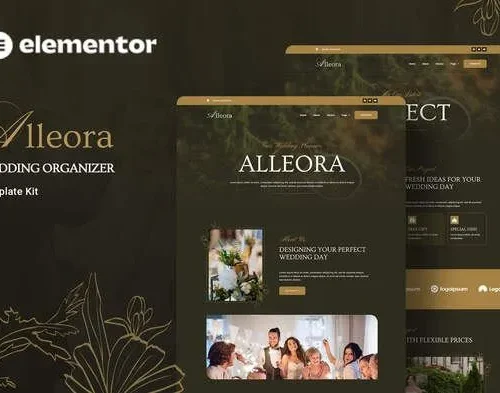 Alleora - Wedding Organizer Elementor Template Kit
How to use Kit:
Install and activate the “Template Kit – Import” plugin from Plugins > Add New in WordPress.
Do not unzip.
Go to Template Kit – Import > Upload Template Kit Zip File button.
Before importing a template, ensure the Install Requirements button is clicked to activate required plugins.
For best results, do not import more than one template at a time.










 Mobile Apps
 php script
 How to
Reviews
There are no reviews yet