
Hubnest – Coworking Space & Virtual Office Elementor Pro Template Kit
- Updated on May 3, 2026
- 100% Original Product & Well Documented
- Unlimited Domain Usage
*Important Note:
The image should not be Part of the template kit. You need to use your own reliable Source.


Original price was: ₹999.00.₹299.00Current price is: ₹299.00.
Build your coworking website in hours, not weeks. Hubnest gives you a polished, professional layout for coworking spaces, virtual offices, and meeting rooms — no code required. Grab it now and launch faster.
- Secured & Scanned by Virus total & McAfee.
- Access to Free updates for Lifetime
- All products are Under GPL License (Unlimited Domain Usage)
- We Not Provide any Support For this Product

Lifetime Membership
Access 6700+ Premium WordPress Themes & Plugins, Elementor Templates, Mobile Apps, PHP scripts with Lifetime Updates.
Join Premium MembershipRecently Viewed
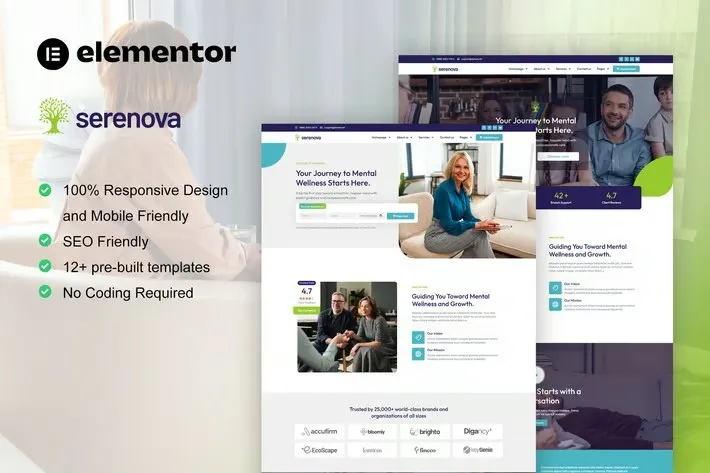
Coworking Space Elementor Template Kit for Modern Workspaces
Your coworking brand deserves a website that works as hard as you do. Hubnest gives you a complete, ready-to-use layout built specifically for coworking spaces, virtual offices, and shared workspace businesses. No starting from scratch. No hiring a developer. Just open Elementor, import the template, and publish.
What You Get With Hubnest
This is a purpose-built Elementor Pro Template Kit for coworking and virtual office service websites. The design hits the sweet spot between modern and professional — clean enough to appeal to freelancers and startups, polished enough to impress corporate clients. Every section flows logically from a hero that showcases your space to pricing tables, room listings, and a contact form that converts.
- Clean, modern layout designed for workspace businesses
- Pre-built sections for private offices, virtual offices, meeting rooms, and event spaces
- Fully responsive — looks sharp on mobile, tablet, and desktop
- Compatible with Elementor Pro (free version compatible where possible)
Who It’s Built For
Hubnest works if you’re launching a new coworking brand or refreshing an existing site. It’s perfect for coworking space owners, virtual office providers, hot desk operators, meeting room rentals, and event venue managers. If you offer any type of flexible workspace service, this template kit has the structure you need to show it off.
How to Use It
Here’s the thing — you don’t need to be a developer. If you can drag and drop in WordPress, you can build your entire website with Hubnest. Install the template kit through Elementor, choose your pages, swap in your photos and branding, and publish. Most users have a live site within a day. The kit includes all core pages: homepage, about, services, pricing, gallery, and contact.
Why Buy This Template Kit
Building a website from scratch takes weeks. Hiring a designer costs thousands. Hubnest gives you a professional result at a fraction of both. You get instant access to the template files, a commercial license so you can use it for client projects, and lifetime updates so your site stays current as Elementor evolves. If something doesn’t work or you need guidance, lifetime support is included.
- Instant download — start building immediately after purchase
- Commercial license included — use for your business or client sites
- No coding required — pure drag-and-drop editing
- Lifetime updates and dedicated support
Ready to Get Started?
Skip the design phase and get straight to launching. Hubnest gives you a professional coworking website template that’s ready to customize and publish today. Buy the template kit now and have your site live this week.
Only logged in customers who have purchased this product may leave a review.
How to use Kit:
Install and activate the “Template Kit – Import” plugin from Plugins > Add New in WordPress.
Do not unzip.
Go to Template Kit – Import > Upload Template Kit Zip File button.
Before importing a template, ensure the Install Requirements button is clicked to activate required plugins.
For best results, do not import more than one template at a time.
RELATED PRODUCTS

DIVI – Original License | One Time Payment – Exclusive Deal

Elementor Pro 4.2.3 + Elementorism Landing Pages WordPress Plugin

907 5.3.6 – Responsive Multi-Purpose WordPress Theme

Element Pack Pro 9.1.0 – Addon For Elementor






 Mobile Apps
 php script
 How to
Reviews
There are no reviews yet