
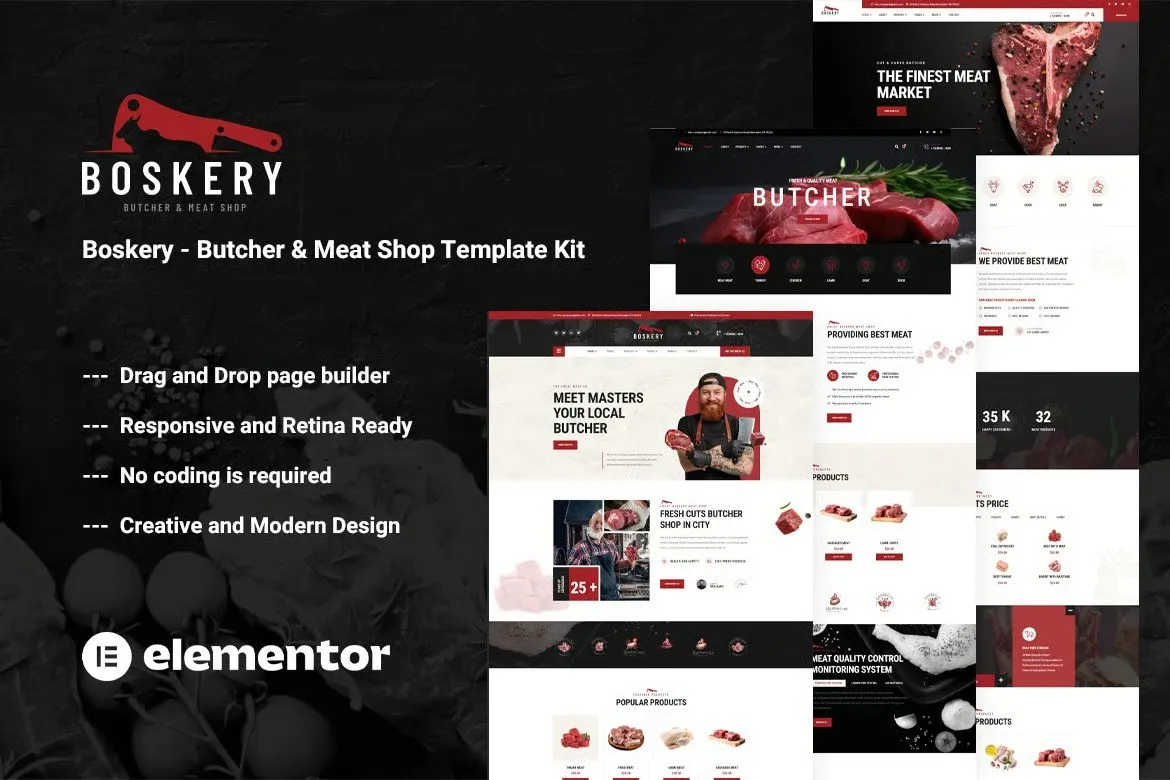
Boskery – Butcher & Meat Shop Template Kit
- Updated on May 3, 2026
- 100% Original Product & Well Documented
- Unlimited Domain Usage
*Important Note:
The image should not be Part of the template kit. You need to use your own reliable Source.


- Coupon "b2g1" has expired.
- Coupon "b2g1" has expired.
- Coupon "b2g1" has expired.
- Coupon "b2g1" has expired.
- Coupon "b2g1" has expired.
Original price was: ₹999.00.₹299.00Current price is: ₹299.00.
Built for butchers, fishmongers, and meat shops that want a real website without hiring a developer. 10+ pages, bold layouts, instant download — your site goes live today.
- Secured & Scanned by Virus total & McAfee.
- Access to Free updates for Lifetime
- All products are Under GPL License (Unlimited Domain Usage)
- We Not Provide any Support For this Product

Lifetime Membership
Access 6700+ Premium WordPress Themes & Plugins, Elementor Templates, Mobile Apps, PHP scripts with Lifetime Updates.
Join Premium MembershipRecently Viewed
Boskery – Butcher & Meat Shop Template Kit for Elementor
Your products are quality. Your website should match. Boskery gives butcher shops, fish markets, and steak houses a WordPress design built for the trade — not some generic food template you’ll spend weeks customizing.
This Elementor Template Kit ships with everything ready to go. Bold typography, rich imagery sections, and a color palette that echoes premium butcher counters and neighborhood meat shops alike. Small family butcher? Growing seafood business? Boskery grows with you.
What You Get With Boskery
This isn’t three scattered headers and a homepage. It’s a complete website system where every page connects — guiding visitors from your products straight to a contact or order. The look is trustworthy and local, exactly what matters when someone’s deciding where to buy their meat.
- 10+ pre-built pages: home, shop, about, services, contact, and more
- Responsive layouts that stay sharp on phones, tablets, and desktops
- Ready-to-use header and footer templates
- Product showcase sections built for meat, seafood, and specialty foods
- Section blocks you can mix, match, and rearrange to fit your inventory
Who Boskery Is Built For
Sell meat, fish, poultry, or seafood? This works. Butcher shops, chicken retailers, mutton sellers, fishmongers, steak houses, raw meat suppliers, meal prep services — even farm-to-table delivery and specialty meat subscriptions all fit the framework.
Suppliers and wholesalers who want to showcase their craft online will find it useful too. Restaurant supply sites, meat gift box services, gourmet food stores. If your business runs on quality protein and strong visuals, Boskery handles it.
How to Use Boskery
You’ll need the free Elementor plugin on your WordPress site. Import the kit, and all templates load straight into your editor. Swap in your text, photos, and branding. No coding. If you can drag and drop, you can build this site.
Every section is designed to swap out. Change colors to match your logo, drop in photos of your actual cuts, update text with your story. The layout does the heavy lifting — you just make it yours.
Why Buy the Boskery Template Kit
Custom websites cost thousands and take months to build. Even hiring a freelancer stretches timelines and budgets. Boskery delivers a professional result for a fraction of that — and you get it immediately. Every template is built for commercial use, so you’re covered for any business application.
One payment. Lifetime access. Commercial license included. As WordPress and Elementor update, your templates update too — at no extra cost. No subscriptions. No recurring fees. No surprises.
Launching a new business on a budget? Refreshing an existing shop’s online presence? Building client sites on a deadline? Boskery cuts your build time significantly and delivers a finished look your customers will actually notice.
Ready to Get Started?
Download Boskery, install it, and customize away. Your customers expect a professional-looking site — now you can give them one without the professional price tag.
Only logged in customers who have purchased this product may leave a review.
How to use Kit:
Install and activate the “Template Kit – Import” plugin from Plugins > Add New in WordPress.
Do not unzip.
Go to Template Kit – Import > Upload Template Kit Zip File button.
Before importing a template, ensure the Install Requirements button is clicked to activate required plugins.
For best results, do not import more than one template at a time.
RELATED PRODUCTS

DIVI – Original License | One Time Payment – Exclusive Deal

Elementor Pro 4.1.3 + Elementorism Landing Pages WordPress Plugin

907 5.3.6 – Responsive Multi-Purpose WordPress Theme

Element Pack Pro 9.1.0 – Addon For Elementor

Lifetime Mini Membership





 Mobile Apps
 php script
 How to
Reviews
There are no reviews yet