
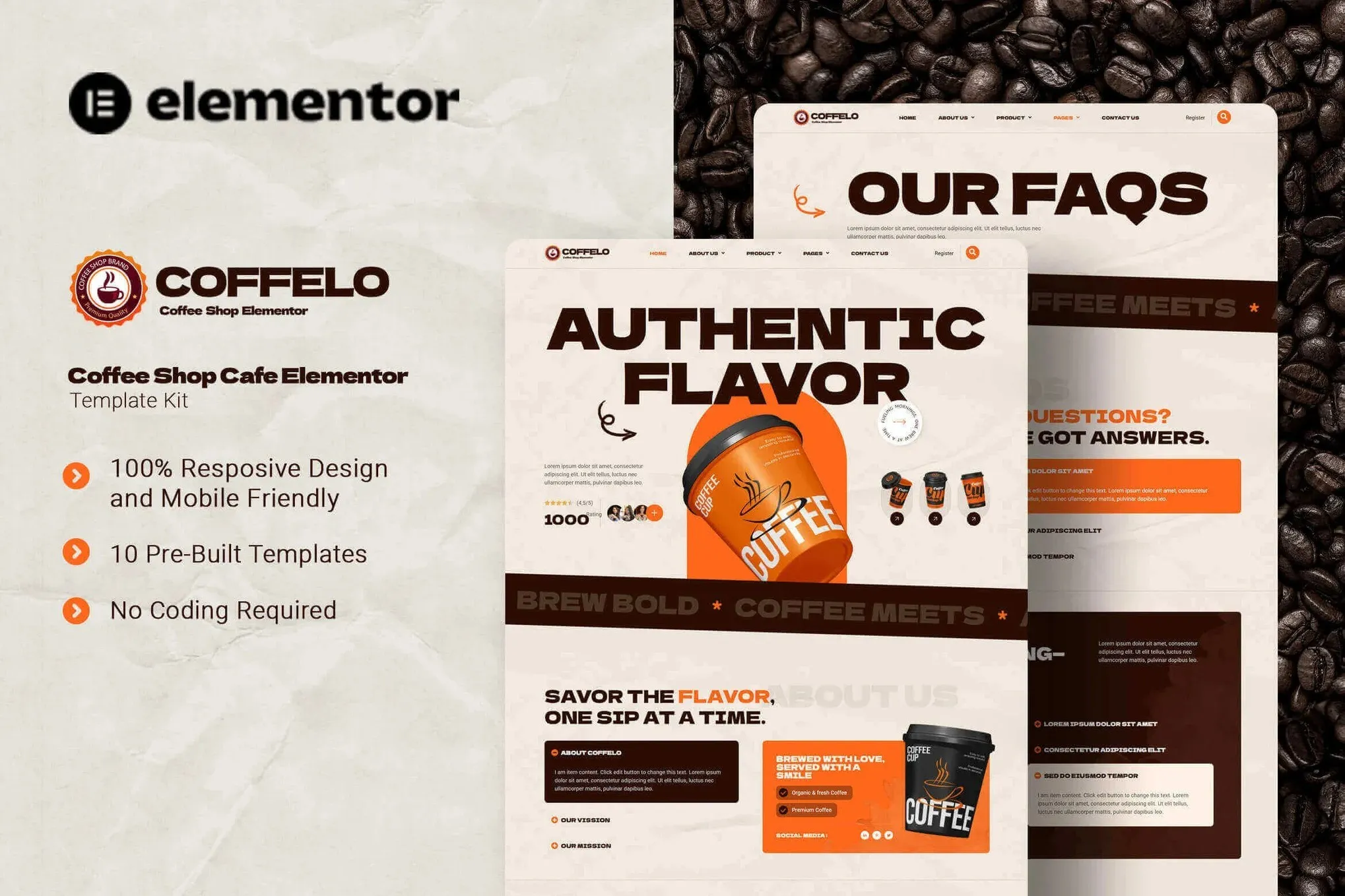
Coffelo – Coffee Shop Cafe Elementor Template Kit
- Updated on May 3, 2026
- 100% Original Product & Well Documented
- Unlimited Domain Usage
*Important Note:
The image should not be Part of the template kit. You need to use your own reliable Source.


- Coupon "b2g1" has expired.
- Coupon "b2g1" has expired.
- Coupon "b2g1" has expired.
- Coupon "b2g1" has expired.
- Coupon "b2g1" has expired.
Original price was: ₹999.00.₹299.00Current price is: ₹299.00.
Give your coffee shop a professional website in hours, not months. Coffelo comes with ready-made pages for menus, reservations, galleries, and more — no coding skills needed. Just open it in Elementor, swap in your photos, and publish.
- Secured & Scanned by Virus total & McAfee.
- Access to Free updates for Lifetime
- All products are Under GPL License (Unlimited Domain Usage)
- We Not Provide any Support For this Product

Lifetime Membership
Access 6700+ Premium WordPress Themes & Plugins, Elementor Templates, Mobile Apps, PHP scripts with Lifetime Updates.
Join Premium MembershipRecently Viewed
Coffelo Elementor Template Kit for Coffee Shops and Cafes
Building a website from scratch eats up weeks you don’t have. Between inventory, staff, and customer demands, you need an online presence that actually represents your brand — without the designer price tag. Coffelo is a complete Elementor Template Kit built specifically for coffee shops, cafés, and specialty beverage businesses. Every page, every section, every button is designed for the coffee industry. Open it in Elementor, add your own photos and colors, and publish.
What You Get with Coffelo
Coffelo isn’t a scattered collection of widgets. It’s a cohesive website system. From the moment a visitor lands on your homepage, they’ll see a warm, inviting layout that showcases your signature drinks, tells your story, and guides them toward a visit or order.
- Homepage with hero section, featured drinks, and call-to-action buttons
- Full menu page with categories, pricing, and drink descriptions
- About page for your brand story and team
- Reservation or booking section for tables and events
- Testimonials from happy customers
- Contact page with location, hours, and embedded Google Maps
Who Should Download This Template
Coffelo works if you fall into any of these categories:
- Own a coffee shop, café, bistro, or espresso bar and want a professional site fast
- Are a freelancer or agency building a website for a food and beverage client
- Run a specialty coffee brand or subscription service and need a portfolio-style site
- Manage a coffee truck, pop-up, or cloud kitchen and want a simple landing page
The template scales to fit coffee shops of all sizes — from a single-location independent café to a growing chain with multiple menus.
How to Use It
No technical skills required. Here’s how it works:
- Download the kit after purchase
- Install the free Elementor plugin on your WordPress site
- Import Coffelo’s pre-built pages with one click
- Replace placeholder text and images with your own
- Adjust colors and fonts to match your branding
- Publish and go live
If you know how to drag and drop, you already know how to use Coffelo.
Why This Template Beats Starting From Scratch
Designing from scratch means hiring a developer, buying separate themes and plugins, and months of back-and-forth. Coffelo eliminates all of that. You get a fully designed, industry-specific template with every section already thought out. The layout directs visitors toward your menu, your reservation form, and your contact information.
It’s also optimized for speed and search engines right out of the box. Coffelo works with popular SEO plugins, so your coffee shop ranks higher in local searches without extra work.
You get a polished, functional site at a fraction of the cost of custom design — leaving you more resources to focus on what matters: brewing great coffee and growing your business.
Ready to Get Started?
Skip the months of back-and-forth with designers. Skip the generic templates that don’t fit the coffee industry. Download Coffelo today, launch your site this week, and show customers exactly what makes your coffee worth the visit.
Only logged in customers who have purchased this product may leave a review.
How to use Kit:
Install and activate the “Template Kit – Import” plugin from Plugins > Add New in WordPress.
Do not unzip.
Go to Template Kit – Import > Upload Template Kit Zip File button.
Before importing a template, ensure the Install Requirements button is clicked to activate required plugins.
For best results, do not import more than one template at a time.
RELATED PRODUCTS

DIVI – Original License | One Time Payment – Exclusive Deal

Elementor Pro 4.2.1 + Elementorism Landing Pages WordPress Plugin

907 5.3.6 – Responsive Multi-Purpose WordPress Theme

Element Pack Pro 9.1.0 – Addon For Elementor






 Mobile Apps
 php script
 How to
Reviews
There are no reviews yet