
MovingExpress – Moving & Storage Company Elementor Template Kit
- Updated on May 4, 2026
- 100% Original Product & Well Documented
- Unlimited Domain Usage
*Important Note:
The image should not be Part of the template kit. You need to use your own reliable Source.


Original price was: ₹999.00.₹299.00Current price is: ₹299.00.
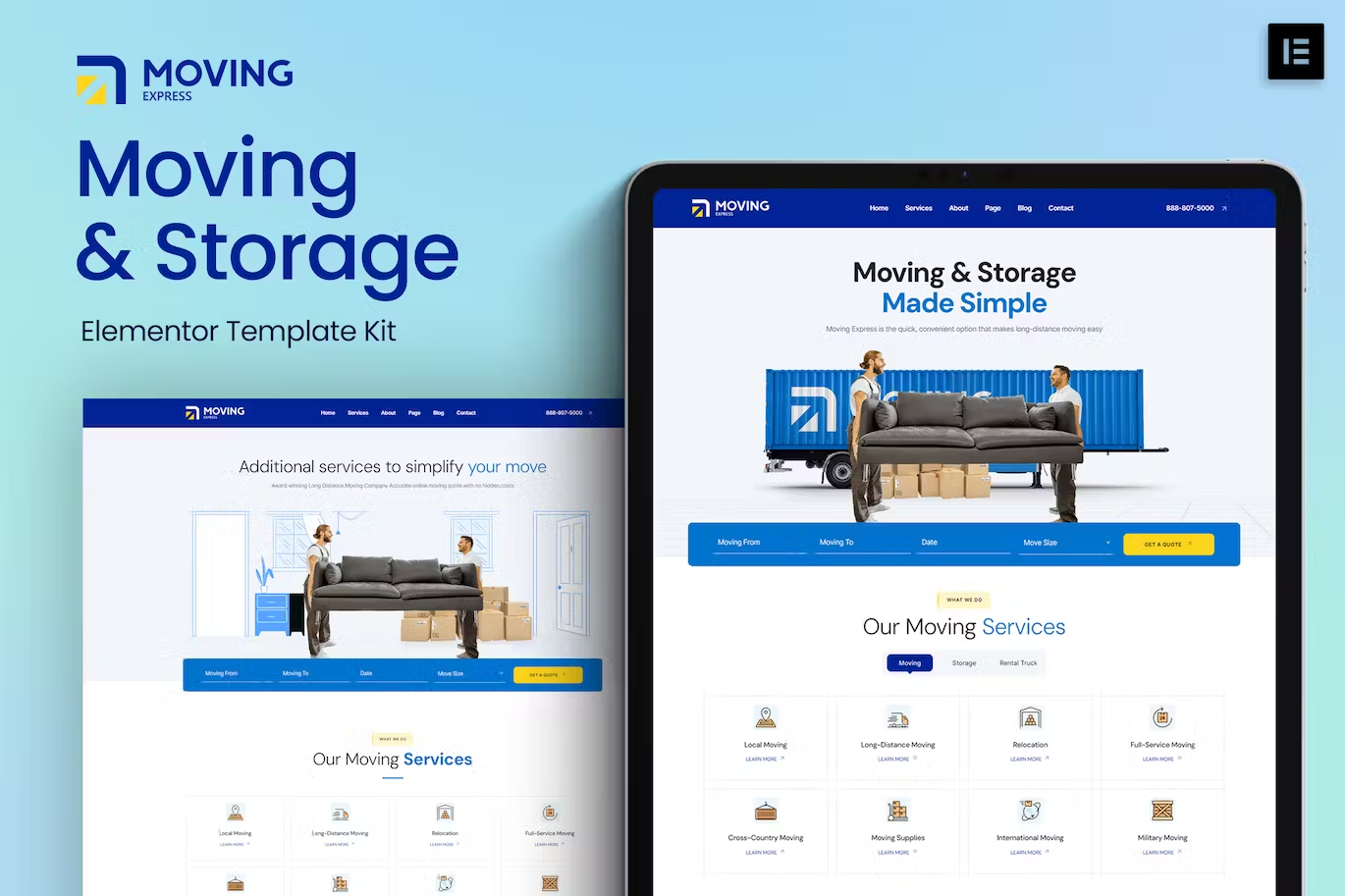
Get a real moving company website without hiring a developer. MovingExpress gives you 12 pre-built pages built specifically for movers — drop in your photos, add your services, and go live today.
- Secured & Scanned by Virus total & McAfee.
- Access to Free updates for Lifetime
- All products are Under GPL License (Unlimited Domain Usage)
- We Not Provide any Support For this Product

Lifetime Membership
Access 6700+ Premium WordPress Themes & Plugins, Elementor Templates, Mobile Apps, PHP scripts with Lifetime Updates.
Join Premium MembershipRecently Viewed
MovingExpress: A Website Built for Moving Companies
You started a moving business because you’re good with trucks, logistics, and making relocations smooth. Not because you wanted to learn WordPress. Yet here you are, trying to figure out why your header looks broken on mobile while a customer is already filling out a competitor’s quote form.
MovingExpress skips all that. It’s an Elementor template kit designed for movers who need a professional website working within 24 hours. No back-and-forth with freelancers. No monthly agency retainers. Just a complete site you can set up yourself, even if you’ve never touched a website builder before.
What You’re Getting
Twelve pages that cover exactly what a moving company website needs. Homepage with a hero section that actually converts. Services pages where you list packing, local moves, long-distance, and storage. A quote request form that captures leads while you sleep. Testimonials. A photo gallery for showing off your trucks and warehouse. An FAQ page for the same five questions you answer every day by phone. Plus an About page, contact page with a map, and all the little trust elements that make people comfortable booking with you.
The design is clean and straightforward — navy and white, professional fonts, nothing that screams “I used a free template.” It works on phones, tablets, and desktops without you having to tweak anything. Every section uses Elementor’s drag-and-drop builder, so you can move things around, change colors, or add your own blocks whenever you want.
What It Costs vs. The Alternative
A custom website from a decent agency runs $2,000 to $8,000 minimum. Add $50 to $200 monthly for maintenance if they don’t abandon you after launch. MovingExpress is a one-time payment. You own the site forever. Update it yourself, change everything, add pages — it’s yours. If you’re a freelancer building client sites, the commercial license lets you use it on their projects too.
Setup in Under an Hour
Here’s the honest process: Install Elementor (free). Import the kit. Replace the placeholder text with your company name, phone number, and service list. Swap in three or four photos of your actual trucks or crew. Hit publish. That’s it. You can nitpick colors and fonts later — your site is already live and collecting leads.
If you get stuck, support access is included. Updates are free for life. The kit grows if Elementor adds new features.
Who Uses This
Local moving companies launching their first real website. Seasoned movers upgrading from a Facebook page or a five-year-old Wix site that looks unprofessional. Freelance web designers who have a moving company client and need to deliver fast. Storage facilities that want something cleaner than a Google Sites page. Anyone who wants a credible online presence without learning to code or spending months on a project.
If you’ve been putting this off because the technical side feels overwhelming, this kit removes that excuse entirely. Get MovingExpress today and have a real website by tomorrow morning.
Only logged in customers who have purchased this product may leave a review.
How to use Kit:
Install and activate the “Template Kit – Import” plugin from Plugins > Add New in WordPress.
Do not unzip.
Go to Template Kit – Import > Upload Template Kit Zip File button.
Before importing a template, ensure the Install Requirements button is clicked to activate required plugins.
For best results, do not import more than one template at a time.
RELATED PRODUCTS

DIVI – Original License | One Time Payment – Exclusive Deal

Elementor Pro 4.1.3 + Elementorism Landing Pages WordPress Plugin

907 5.3.6 – Responsive Multi-Purpose WordPress Theme

Element Pack Pro 9.1.0 – Addon For Elementor

Lifetime Mini Membership





 Mobile Apps
 php script
 How to
Reviews
There are no reviews yet