
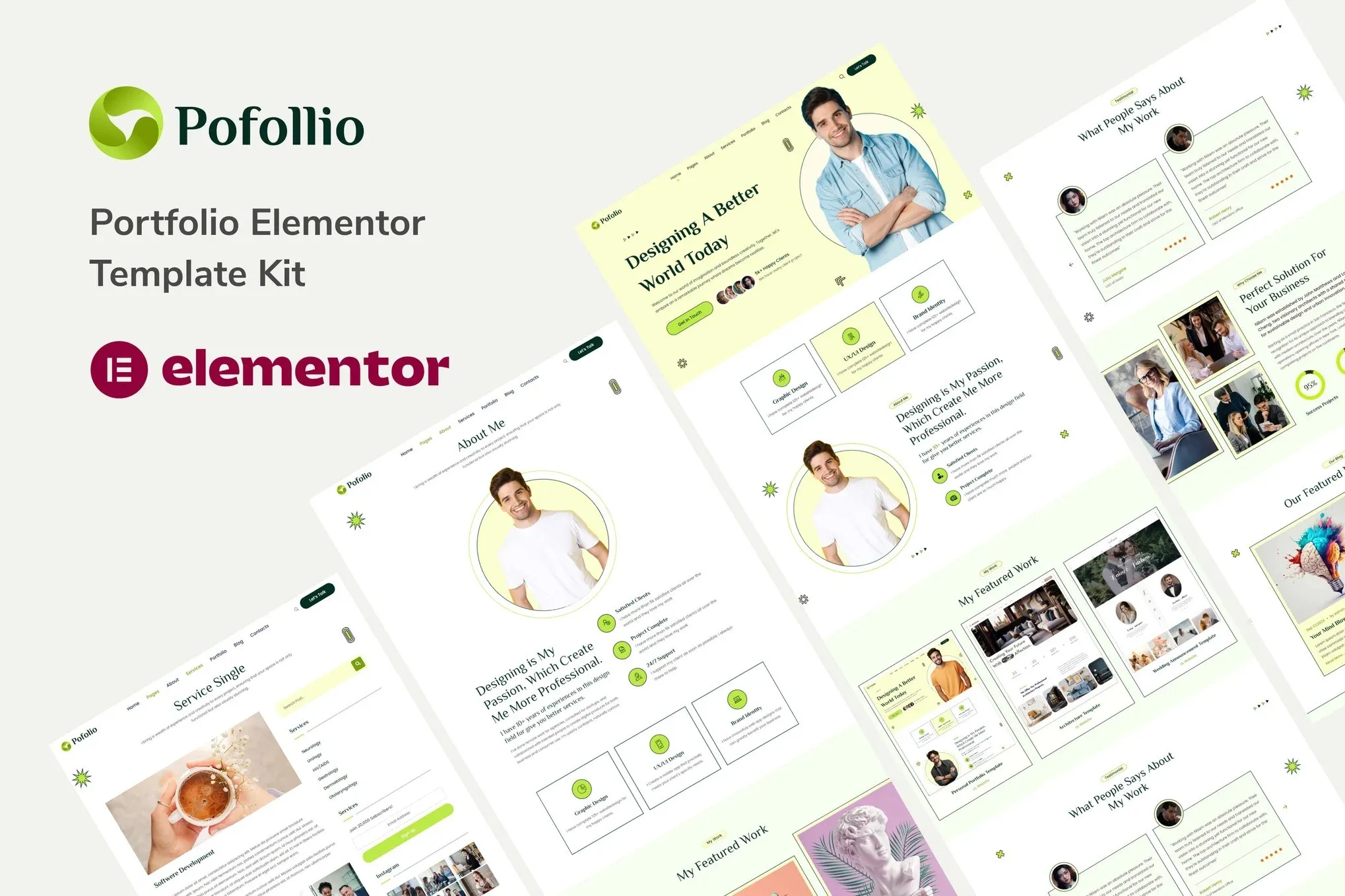
Pofollio – Portfolio Elementor Template Kit
- Updated on May 3, 2026
- 100% Original Product & Well Documented
- Unlimited Domain Usage
*Important Note:
The image should not be Part of the template kit. You need to use your own reliable Source.


- Coupon "b2g1" has expired.
- Coupon "b2g1" has expired.
Original price was: ₹999.00.₹299.00Current price is: ₹299.00.
Launch a portfolio site in under 30 minutes — no coding, no developers. Six pre-built pages, custom portfolio grids, dark/light modes, and lifetime updates included.
- Secured & Scanned by Virus total & McAfee.
- Access to Free updates for Lifetime
- All products are Under GPL License (Unlimited Domain Usage)
- We Not Provide any Support For this Product

Lifetime Membership
Access 6700+ Premium WordPress Themes & Plugins, Elementor Templates, Mobile Apps, PHP scripts with Lifetime Updates.
Join Premium MembershipRecently Viewed
Pofollio – Portfolio Elementor Template Kit for Modern Creatives
Most freelancers spend more time tweaking their portfolio than actually working. Pofollio fixes that. It’s a complete Elementor Template Kit designed for designers, photographers, illustrators, and anyone who needs a professional portfolio — yesterday. No coding knowledge required. No expensive developer fees. Just a clean, conversion-ready portfolio you can launch in a single afternoon.
What’s Inside the Kit
Not a bare-bones template. Pofollio gives you the full package: homepage layouts ready to customize, service pages that actually look premium, portfolio grids with category filtering, an about page that tells your story, and a contact form styled and ready to go.
- 6 complete pages: Home, About, Portfolio, Services, Contact, and 404
- 15+ section patterns — mix and match for unlimited homepage layouts
- Custom portfolio grids with filtering so visitors find relevant work fast
- Typography: Plus Jakarta Sans + Space Grotesk (no generic fonts here)
- Dark and light mode — switch with one click
- Fully responsive — pixel-perfect on phones, tablets, and desktops
Who Is This For?
Sound familiar?
- Sending clients to a LinkedIn profile because your portfolio doesn’t exist yet
- Paying $30/month for a portfolio platform when you just want your own site
- Designer with a half-finished portfolio that’s been “almost done” for six months
- Photographer whose current site takes 12 seconds to load
- Agency founder who needs to show prospects a polished client showcase, quickly
If any of that hit home, Pofollio was built for you. The technical stuff is handled — you just need to add your work.
How It Works
Step 1: Install the free Elementor plugin on your WordPress site. Step 2: Import the Pofollio template kit with one click. Step 3: Swap the placeholder text and images with your own. Step 4: Hit publish.
No child themes needed. No wading through setup documentation. If you’ve used Canva or any drag-and-drop editor, you’ll figure this out in minutes.
Why Not Just Build From Scratch?
You could. But consider what “from scratch” actually means: color contrast ratios, spacing consistency, mobile breakpoints, typography hierarchy. Each of those is a rabbit hole. Pofollio already solved those problems. The layouts are balanced. The spacing is tested. The fonts are paired. You get to skip the frustrating parts and focus on the work you actually want to show.
One more thing: the commercial license means you can use this for client projects, too. Build sites for others at your regular rates, with minimal overhead. One purchase, recurring value.
Get Started Now
Pofollio includes lifetime updates, a commercial license, and instant download. Buy once, use it forever. Your portfolio should represent your skill level — this is how you get there.
Only logged in customers who have purchased this product may leave a review.
How to use Kit:
Install and activate the “Template Kit – Import” plugin from Plugins > Add New in WordPress.
Do not unzip.
Go to Template Kit – Import > Upload Template Kit Zip File button.
Before importing a template, ensure the Install Requirements button is clicked to activate required plugins.
For best results, do not import more than one template at a time.
RELATED PRODUCTS

DIVI – Original License | One Time Payment – Exclusive Deal

Elementor Pro 4.1.3 + Elementorism Landing Pages WordPress Plugin

907 5.3.6 – Responsive Multi-Purpose WordPress Theme

Element Pack Pro 9.1.0 – Addon For Elementor

Lifetime Mini Membership





 Mobile Apps
 php script
 How to
Reviews
There are no reviews yet