
Securs – Cyber Security Service Elementor Template Kit
- Updated on May 3, 2026
- 100% Original Product & Well Documented
- Unlimited Domain Usage
*Important Note:
The image should not be Part of the template kit. You need to use your own reliable Source.


Original price was: ₹999.00.₹299.00Current price is: ₹299.00.
Launch a professional cyber security website in hours — no coding required. Securs gives agencies and tech businesses a complete Elementor template kit with 15+ pages, instant download, and commercial license included. Get started today.
- Secured & Scanned by Virus total & McAfee.
- Access to Free updates for Lifetime
- All products are Under GPL License (Unlimited Domain Usage)
- We Not Provide any Support For this Product

Lifetime Membership
Access 6700+ Premium WordPress Themes & Plugins, Elementor Templates, Mobile Apps, PHP scripts with Lifetime Updates.
Join Premium MembershipRecently Viewed
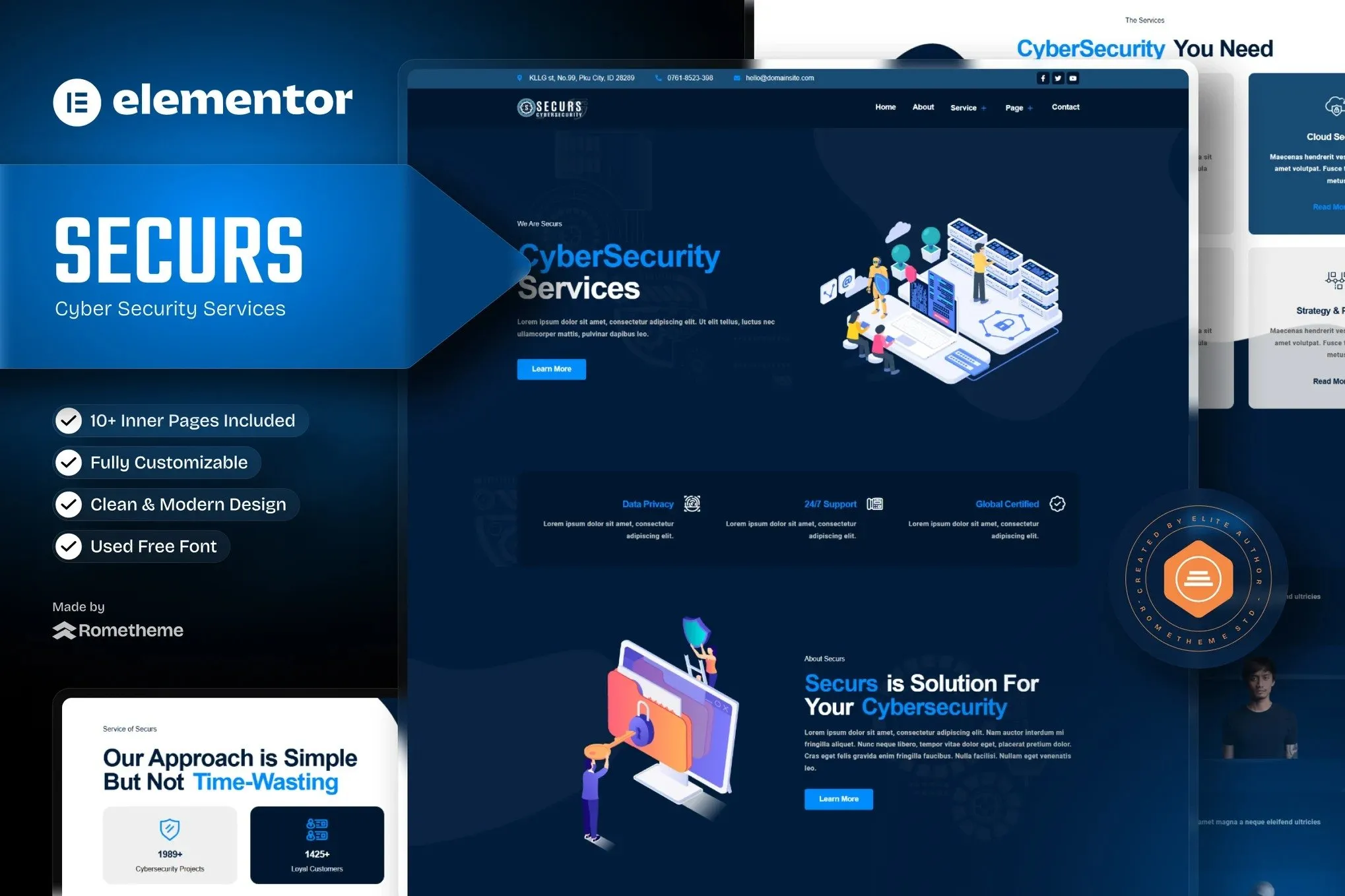
Cyber Security Elementor Template Kit for Professional Security Services
Your cyber security firm deserves a website that commands trust the moment clients land on your page. Securs delivers a complete Elementor Template Kit designed specifically for security agencies, IT consultants, and tech service providers. Stop wrestling with generic templates or expensive custom development — this kit gives you everything you need to build a professional online presence in hours, not weeks.
Built for Security Professionals Who Value Time
Every section, layout, and design element in Securs was created with real cyber security business needs in mind. From service showcases to team credentials, the kit covers the complete customer journey. You get dedicated areas for threat assessment services, incident response portfolios, client testimonials, pricing tiers, and conversion-focused contact forms. Swap in your content, adjust colors to match your brand, and publish.
- 15+ pre-built pages covering every essential website section
- Fully responsive layouts that look sharp on mobile, tablet, and desktop
- Drag-and-drop simplicity — no coding knowledge required
- Compatible with both free and premium Elementor widgets
- SEO-optimized structure ready for better search rankings
Who Is This Template Kit For?
Securs works perfectly for cyber security agencies, penetration testing firms, managed security service providers (MSSPs), IT consultants, and individual security professionals. Whether you’re launching a new venture or refreshing an outdated site, this kit provides the polished foundation that builds instant credibility with potential clients.
How to Launch Your Site
Getting started takes minutes. Install the free Elementor plugin, import the Securs template kit, customize with your branding and content, and hit publish. The kit includes clear documentation, and if you hit any snags, our support team is standing by. You’ll have a complete, professional cyber security website live in less than a day.
Why Buy Securs Over Generic Templates?
Generic templates make visitors guess what you do. Securs was built from the ground up for security professionals — every design choice, color selection, and layout decision works together to establish authority and trust. That’s what converts visitors into clients.
- Commercial license included — use for unlimited client projects
- One-time payment, lifetime access — no recurring fees
- Free lifetime updates as the kit evolves
- Dedicated support when you need guidance
Ready to Get Started?
Stop paying for custom development or struggling with templates that don’t fit your industry. Download Securs now and give your cyber security business the professional website it deserves. With instant download and a commercial license, you’re covered for every project — today and down the road. Get your cyber security Elementor template kit and launch your site this week.
Only logged in customers who have purchased this product may leave a review.
How to use Kit:
Install and activate the “Template Kit – Import” plugin from Plugins > Add New in WordPress.
Do not unzip.
Go to Template Kit – Import > Upload Template Kit Zip File button.
Before importing a template, ensure the Install Requirements button is clicked to activate required plugins.
For best results, do not import more than one template at a time.
RELATED PRODUCTS

DIVI – Original License | One Time Payment – Exclusive Deal

Elementor Pro 4.1.3 + Elementorism Landing Pages WordPress Plugin

907 5.3.6 – Responsive Multi-Purpose WordPress Theme

Element Pack Pro 9.1.0 – Addon For Elementor

Lifetime Mini Membership





 Mobile Apps
 php script
 How to
Reviews
There are no reviews yet